
Demo content: If the internet feels slow, first check whether the same issue appears on every device. Sometimes a background update, weak Wi-Fi signal or old wireless setting on one device can make the speed look lower.
Quick checklist
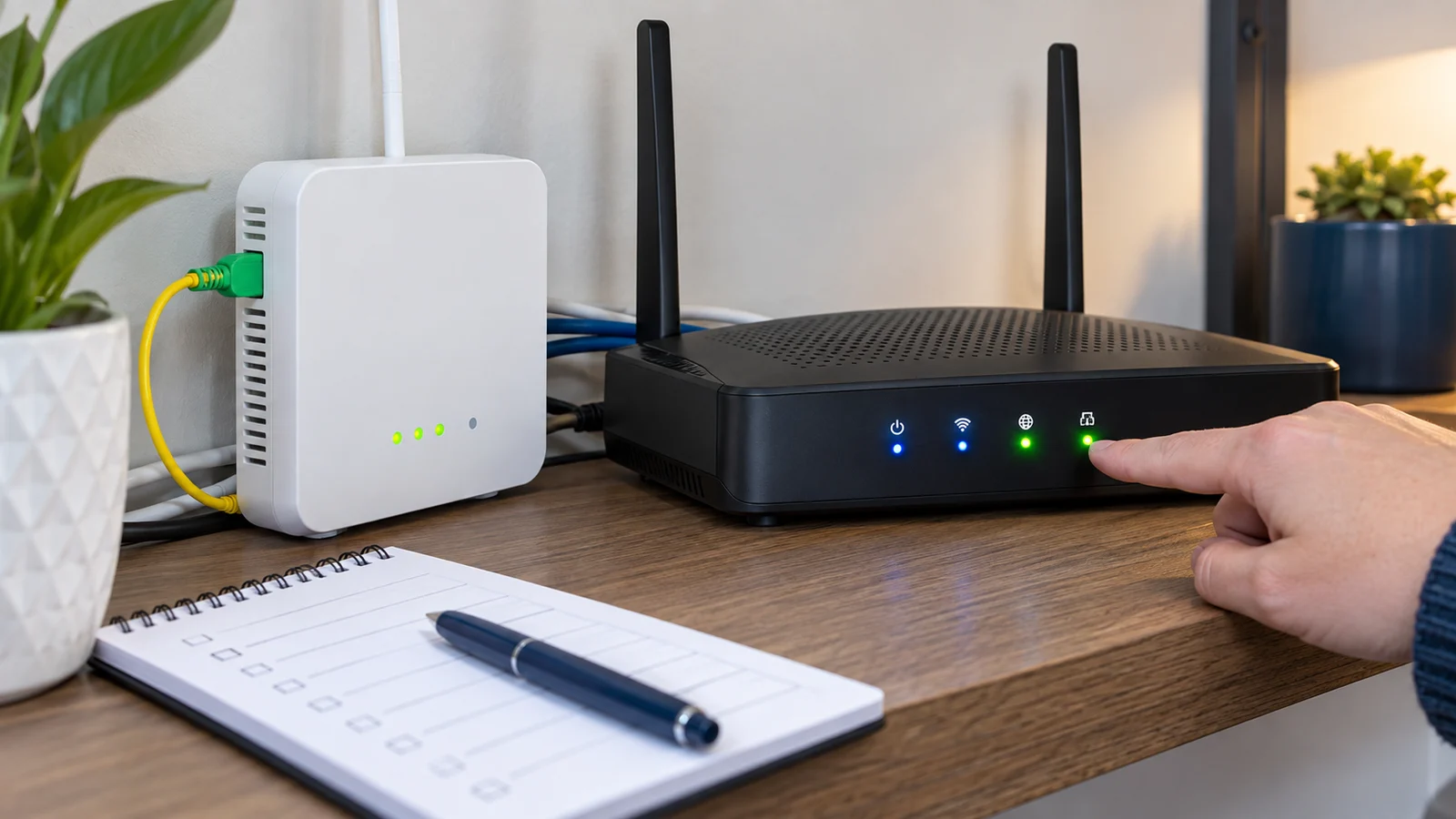
- Turn the router off for 30 seconds, then switch it on again.
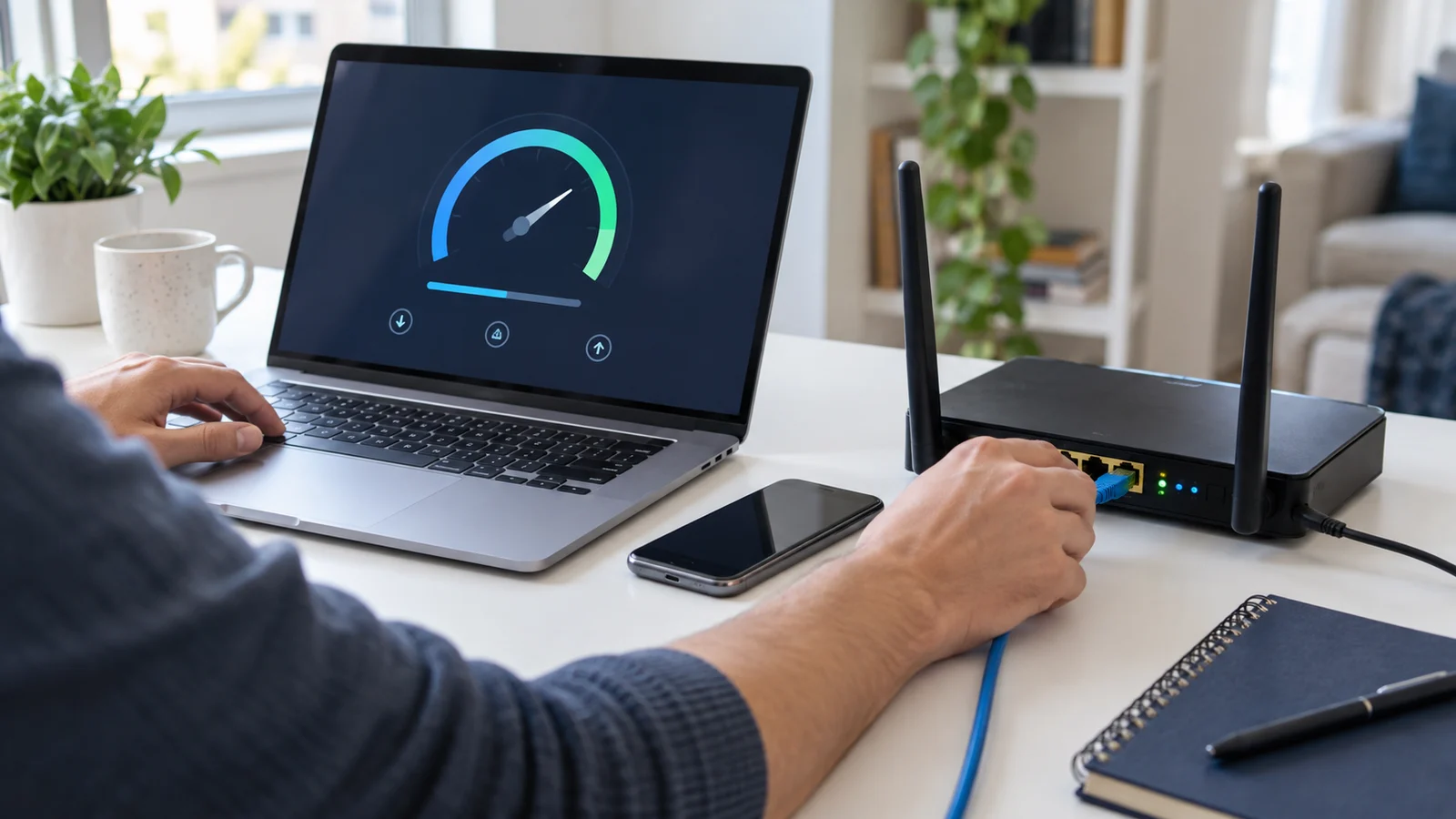
- Run a Wi-Fi speed test near the router.
- If possible, test one laptop with an Ethernet cable.
- Note the time and screenshot before contacting support.
These details help the team identify whether the issue is Wi-Fi, device, package usage or line-side.